Unblur Text in Images
Instantly with AI
Transform blurry, unreadable text into crystal-clear content. Upload screenshots, scans, or photos and let AI unblur text automatically. Perfect for documents and presentations.
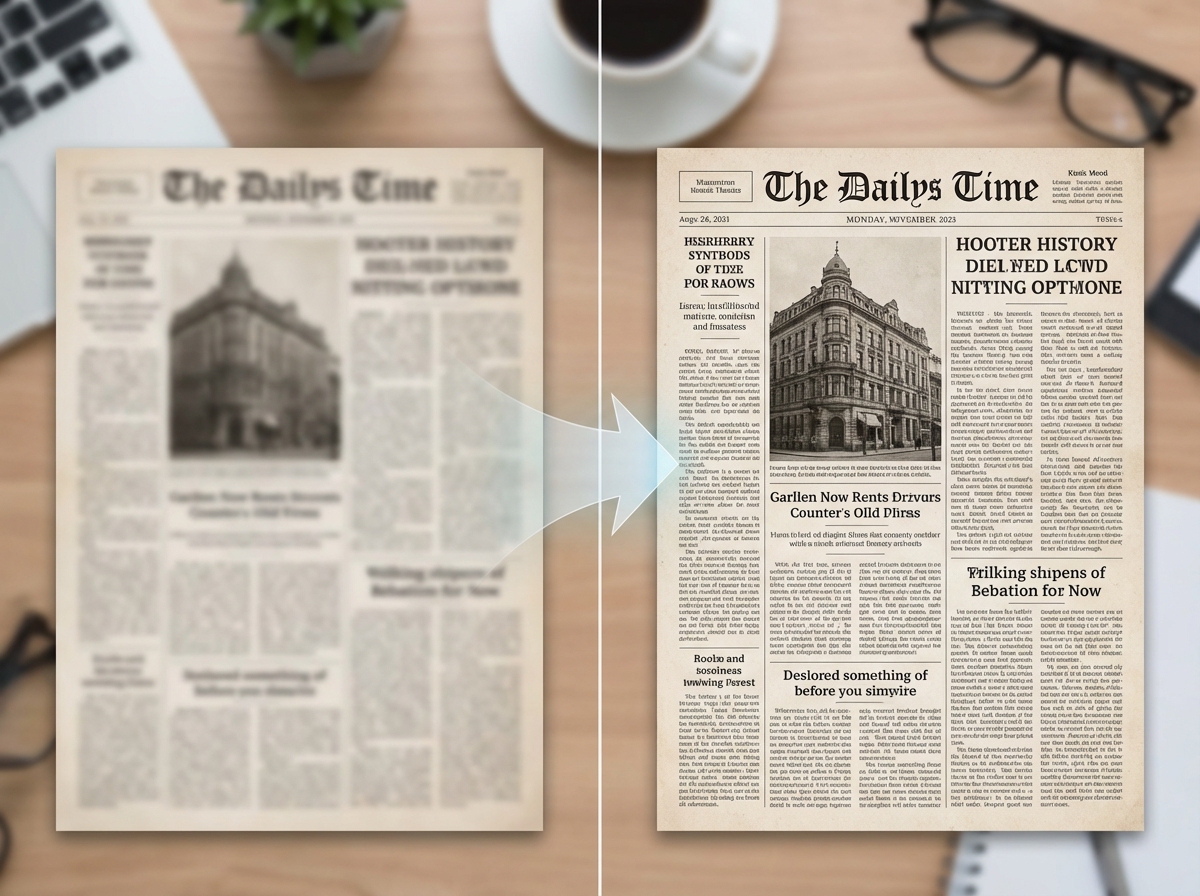
One-Click Text Clarity
Simply upload your blurry image and watch AI automatically detect and enhance all text regions. Whether it's a screenshot, scan, or photo—get crystal-clear, readable text in seconds without manual adjustments.
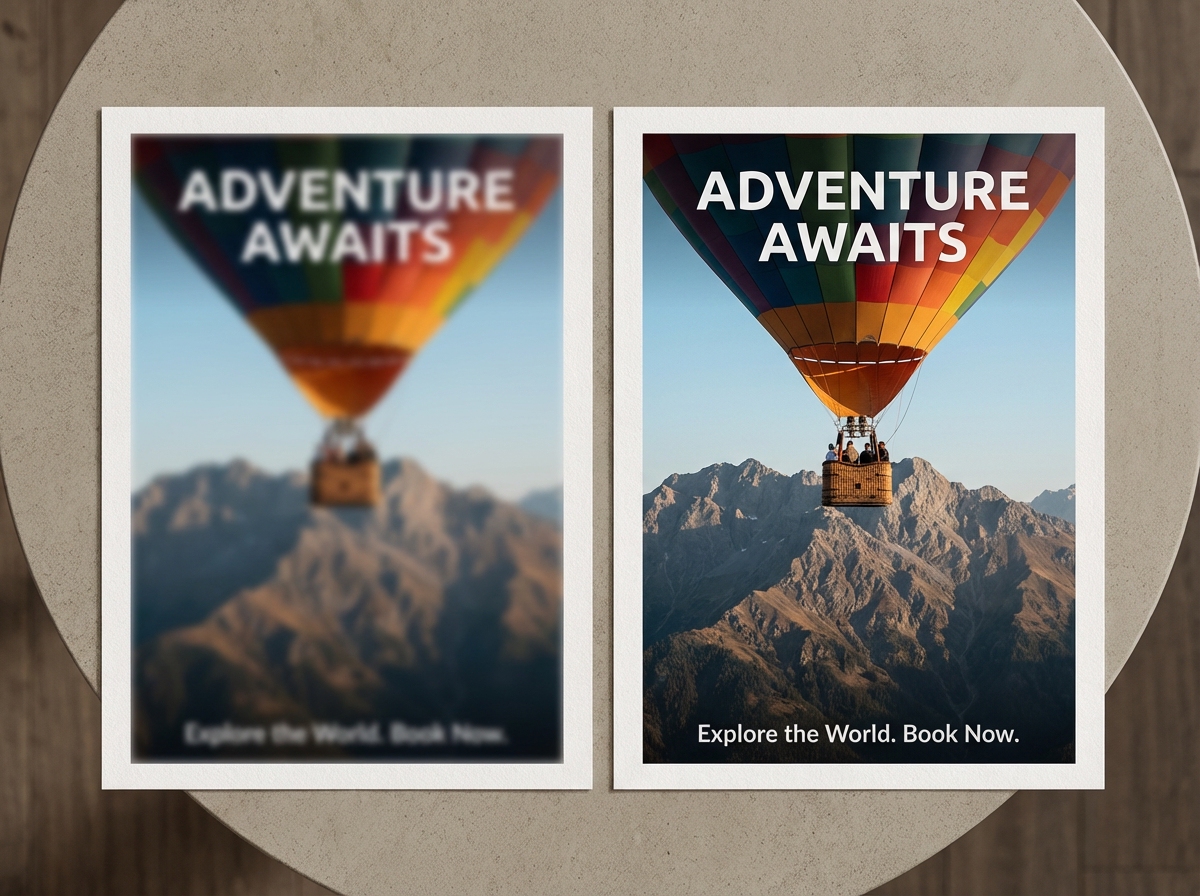
Turn Blur to Clear for Professional Results
Restore text clarity for perfect printing and presentations. Ideal for advertising posters, business documents, and reports. Every detail becomes sharp and professional—ready for high-quality output.
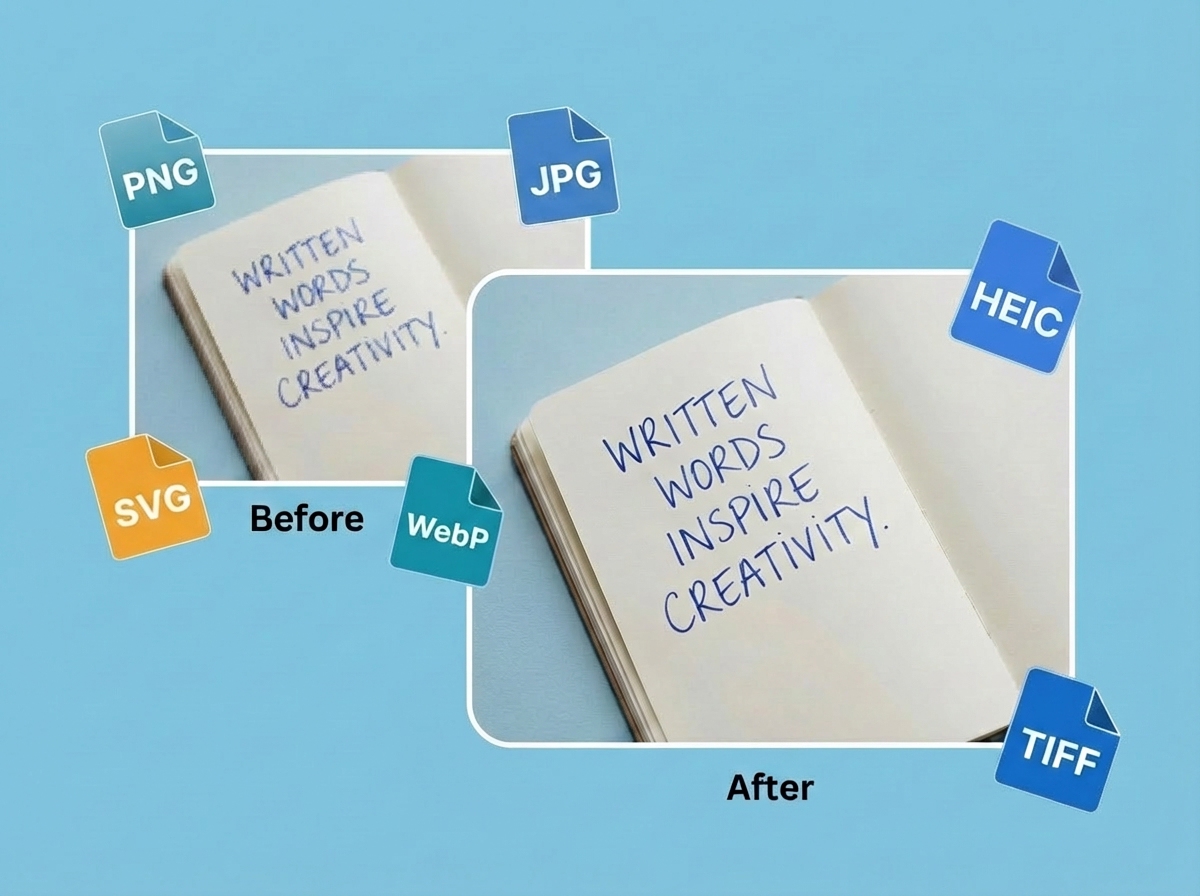
Works with Any Image Format
Upload JPG, PNG, HEIC, HEIF, WebP, and more. No format limitations—just drag and drop your files. Perfect compatibility means you can unblur text from any device, camera, or screenshot tool effortlessly.
Why Choose Our AI Text Unblur Tool
AI-Powered Unblur
Advanced AI algorithms automatically unblur text in images while preserving original formatting and layout.
Fast & Accurate
Unblur text in seconds with high accuracy. Works on screenshots, scans, and low-quality photos.
Privacy First
Your images are processed securely and automatically deleted after completion. No data is stored permanently.
Multiple Languages
Unblur text in English, Chinese, Spanish, French, and many other languages with automatic detection.
Enhance Text Clarity At a Glance
From blur to clear, our AI brings every detail to life—documents, photos, screenshots, and more
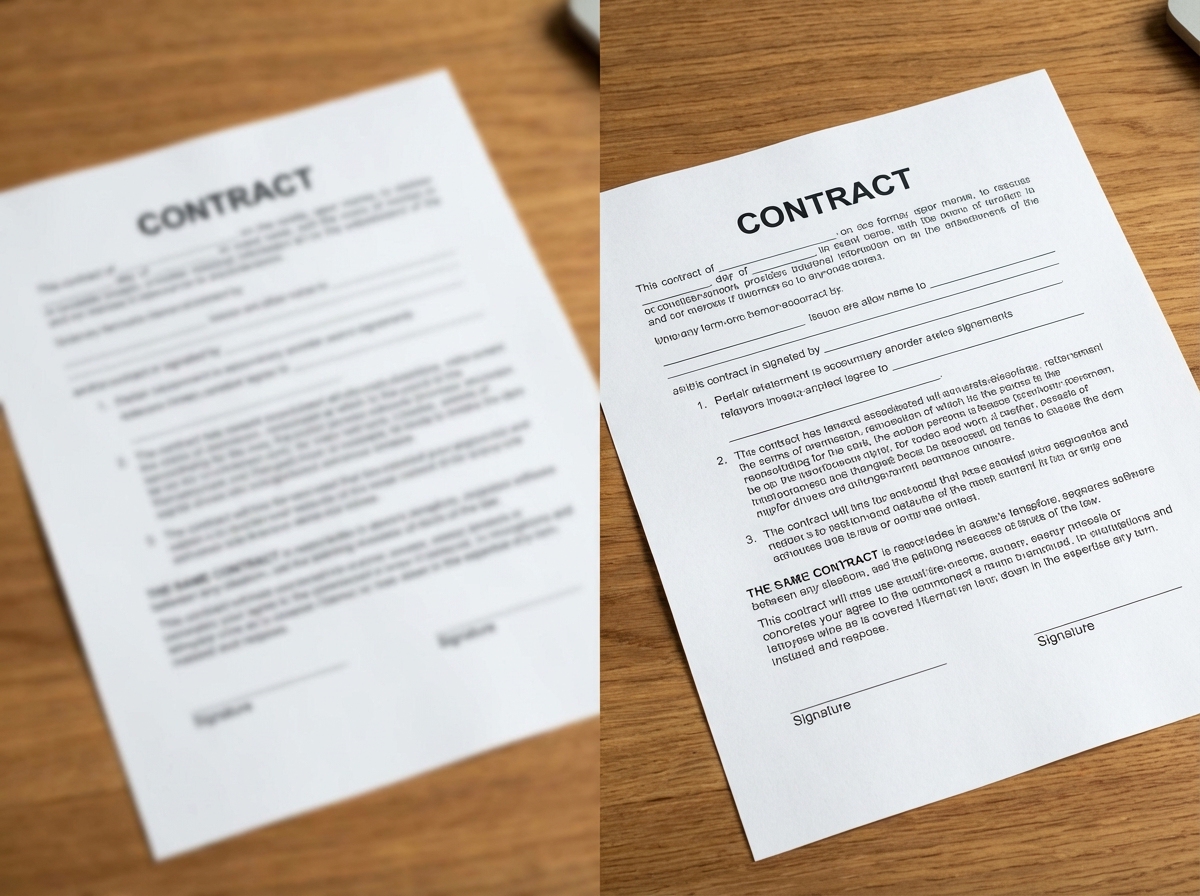
Documents, PDFs
Sharpen blurry scanned documents, receipts, contracts, and reports. Make every word readable for efficient work and archiving.
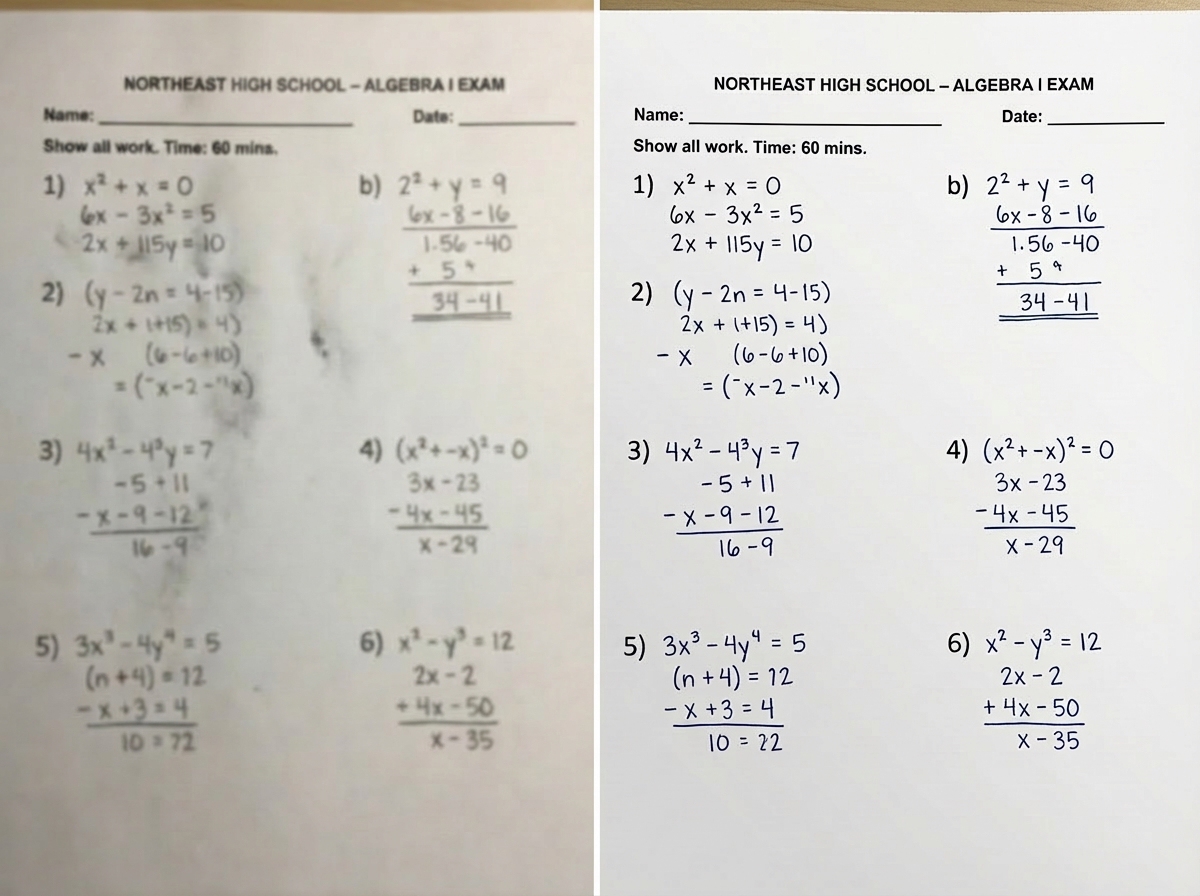
Handwritten Notes
Quickly clarify blurry handwritten notes for easy saving, organizing, and sharing to improve efficiency and collaboration.
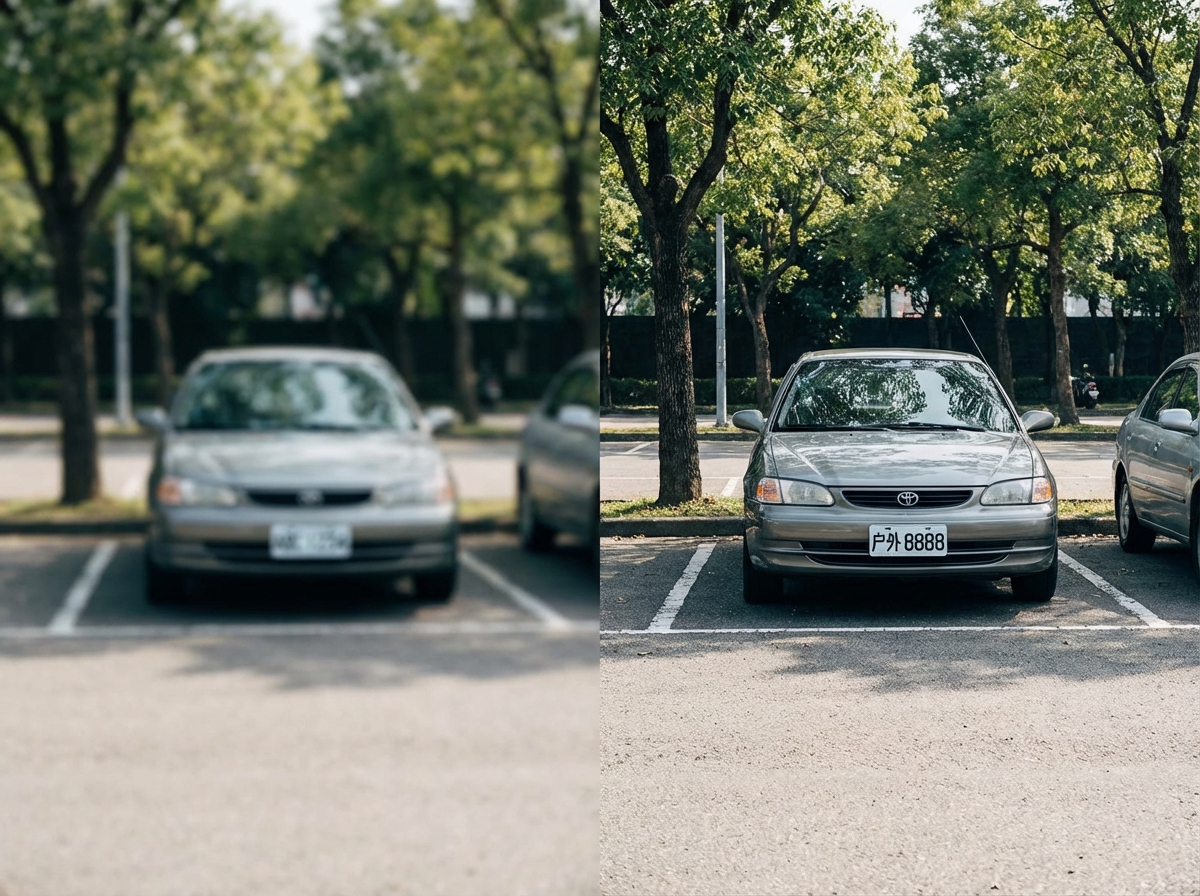
License Plates
Easily make license plate numbers in images clear. Perfect for parking records, security footage, and vehicle identification.
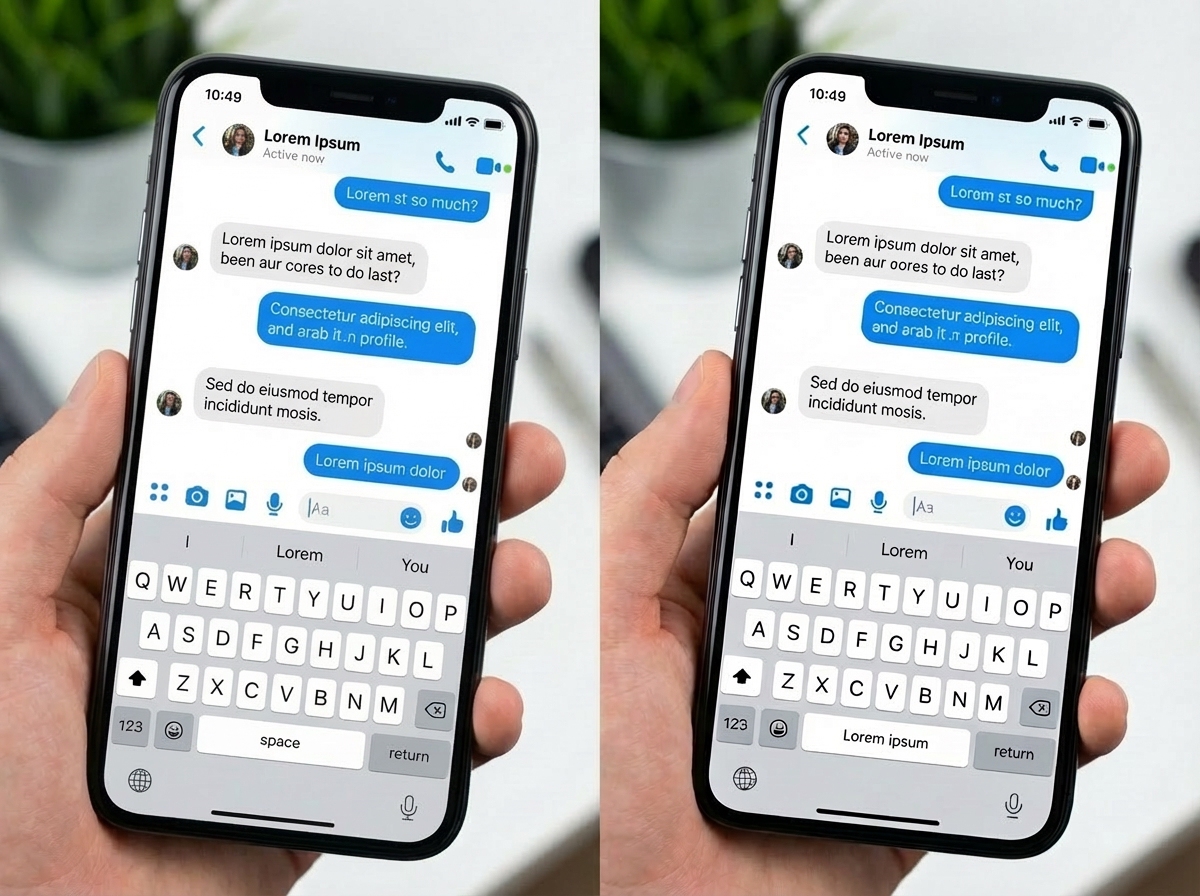
Social Media Screenshots
Enhance low-resolution downloads and compressed images from social platforms. Bring back clarity to messages and posts.
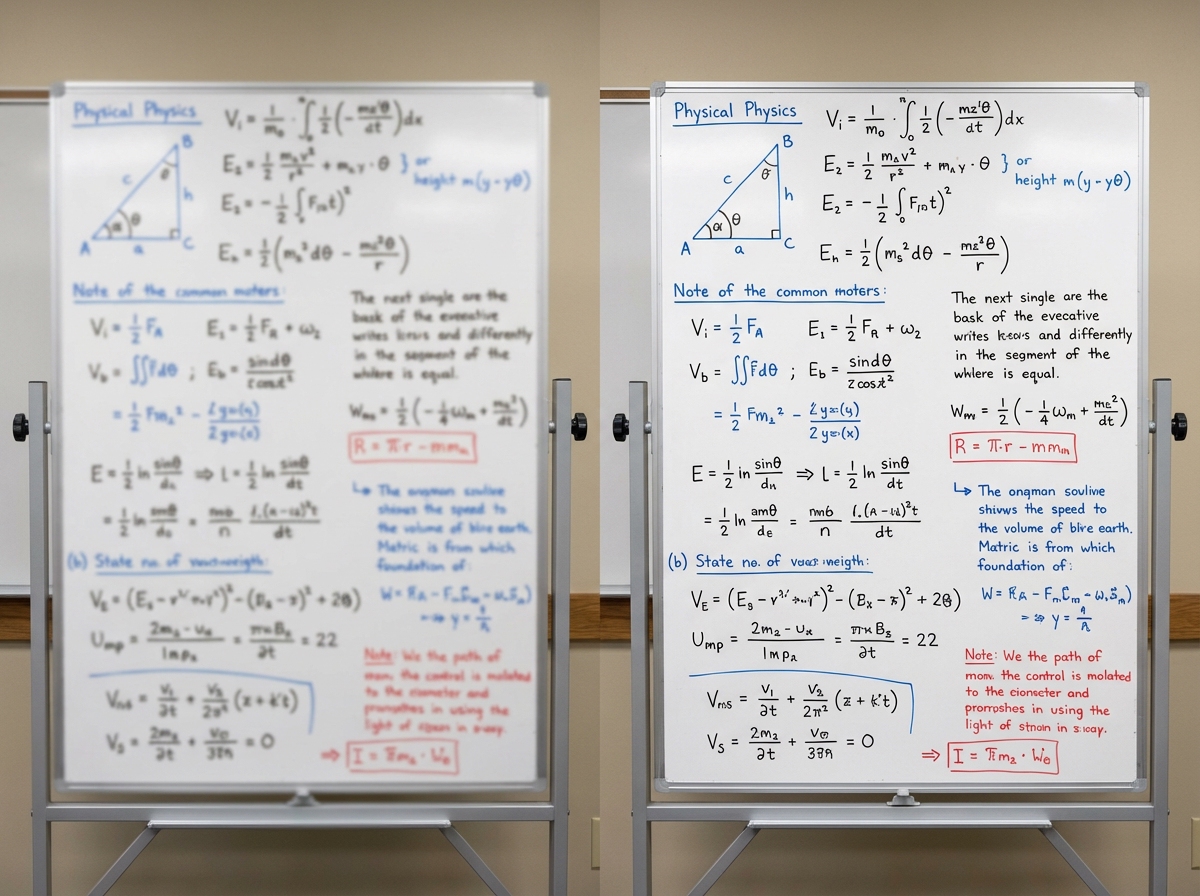
Whiteboard, Presentations
Unblur text from meeting whiteboards, presentation slides, and lecture boards. Never miss important content from photos.
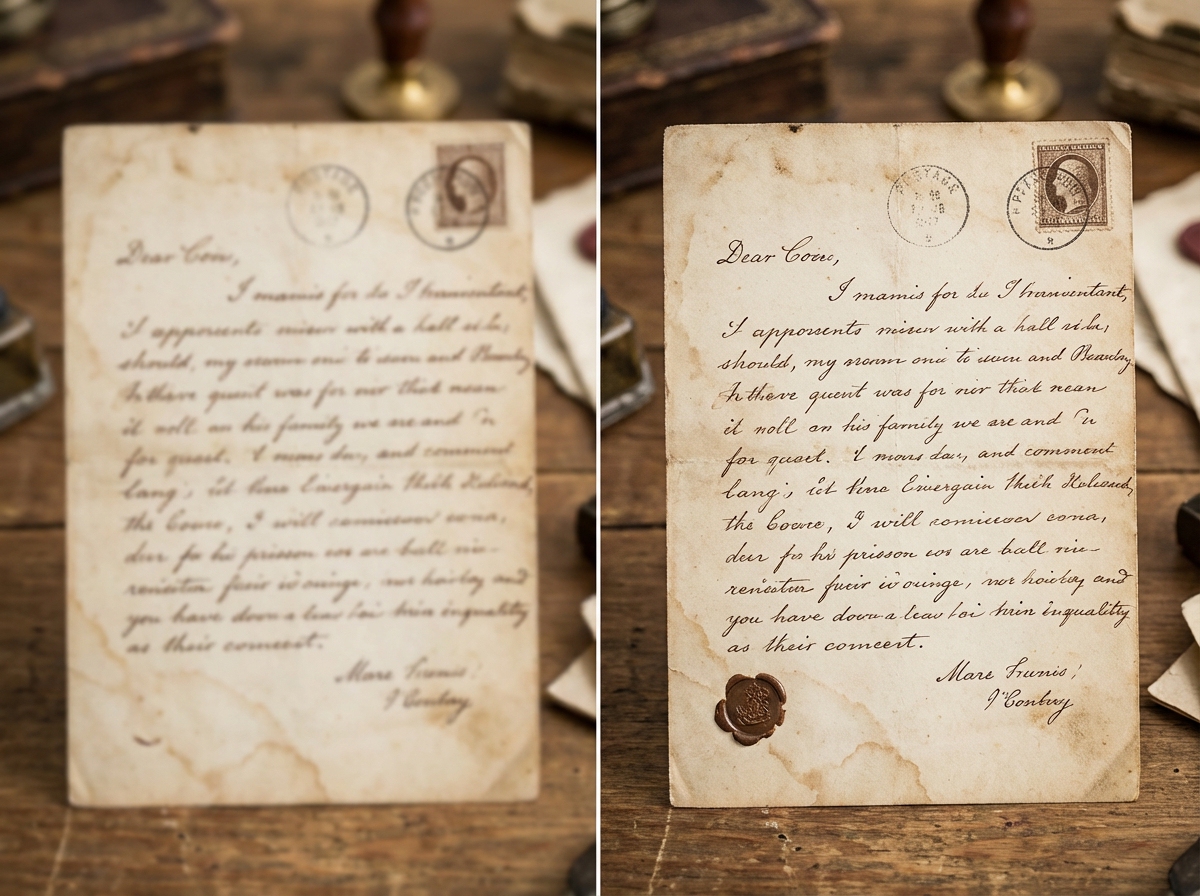
Old Photos, Archives
Revive vintage photographs and aged documents. Restore text clarity in historical materials and family archives.
Unblur in 3 simple steps
Follow the quick flow to turn blurry screenshots, scans, and photos into crisp text you can reuse.
Upload your blurry image
Click “Upload Image” and drag in any screenshot, scan, or photo with hard-to-read text.
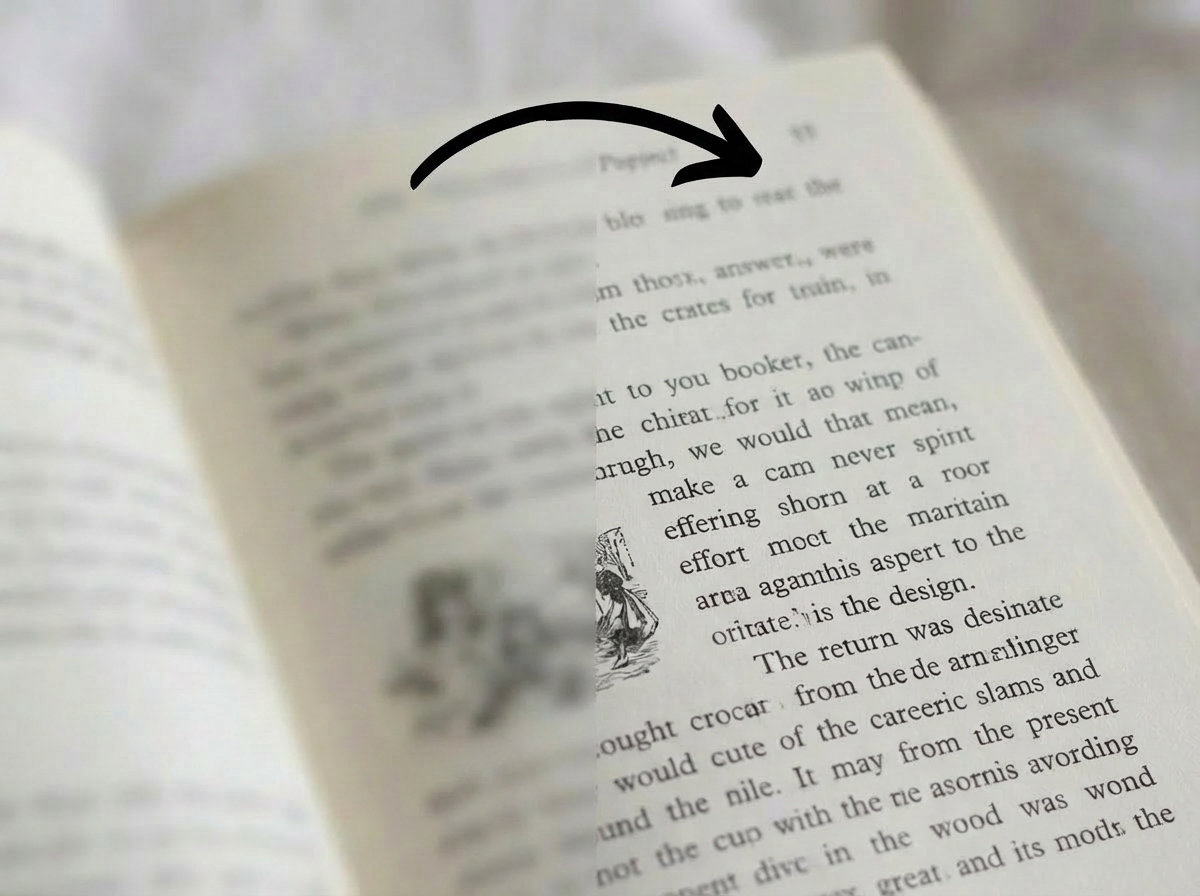
Watch AI restore clarity
Our model immediately works on the text so the before/after view shows clearer words without extra tweaks.
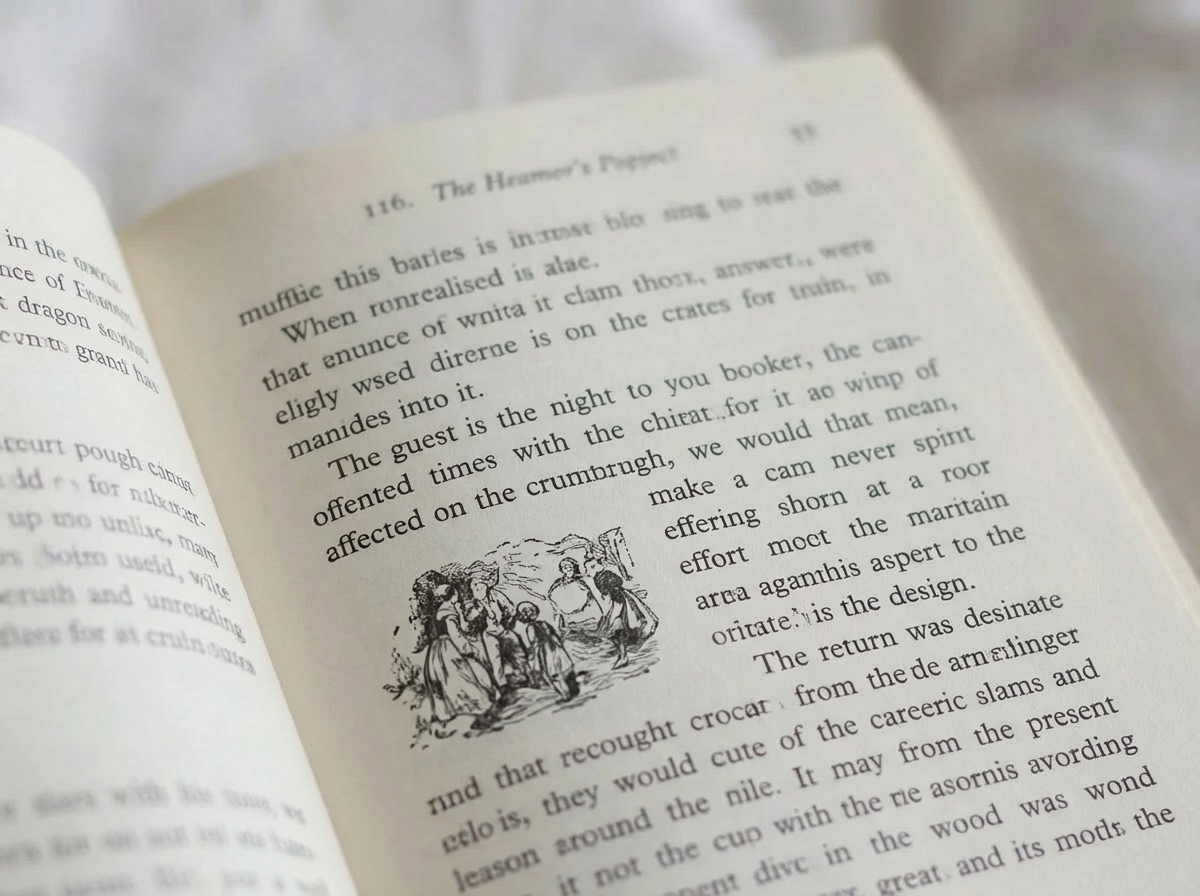
Save the crisp result
Once you’re happy with the preview, download the image (JPG/PNG) or copy the extracted text.
Frequently Asked Questions
Everything you need to know about unblurring text: privacy, formats, speed, and where you can use it.